
Total: £0.00
Taxes and shipping calculated at checkout

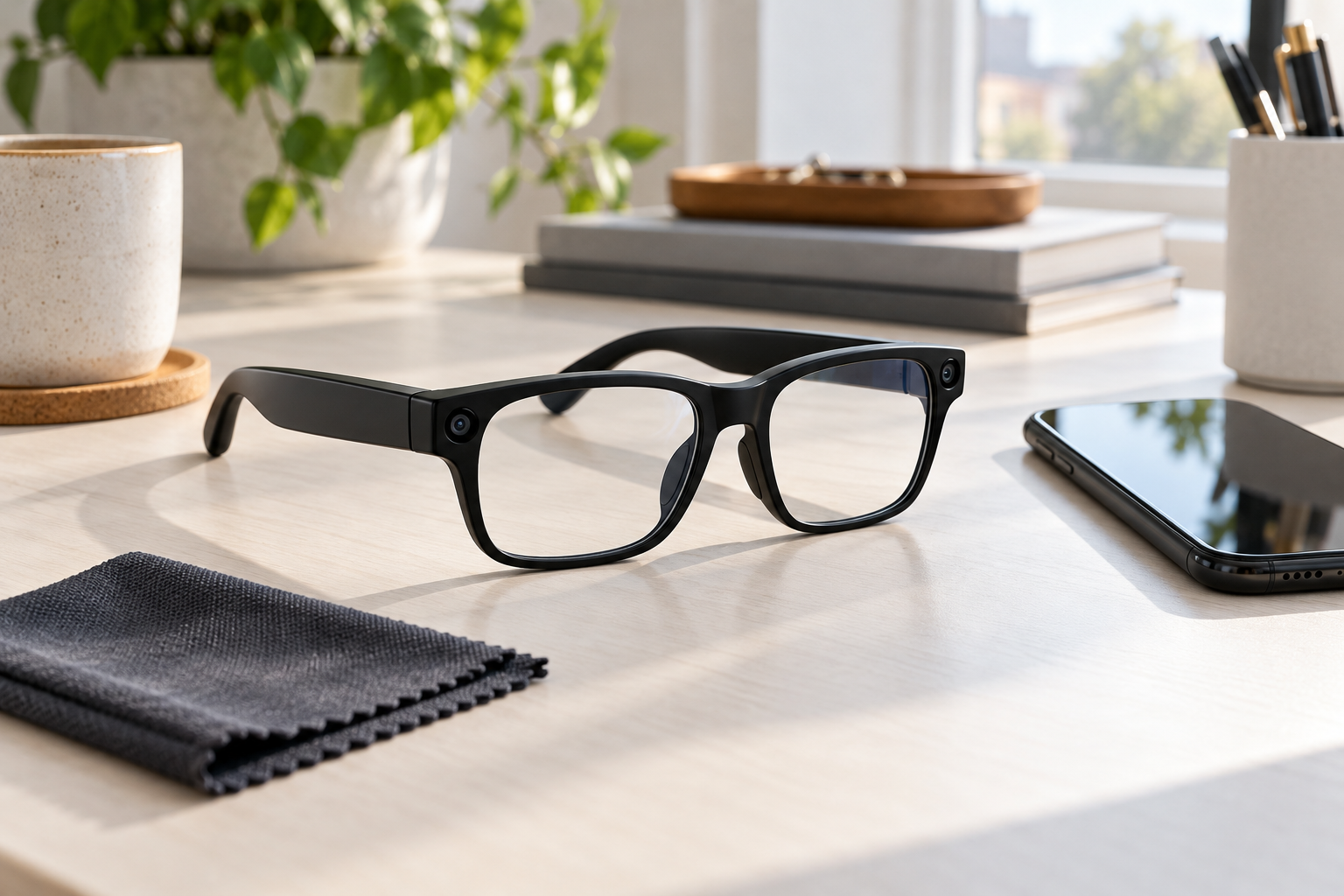
Quick answer: The best camera glasses UK buyers can choose are not necessarily the pair with the largest number in the product title. Start with the job you want the glasses to do, then verify an original video sample, recording limits, phone compatibility, lens option, fit and the complete box contents. This guide gives you a practical way to compare camera glasses before spending money.
Two frames can look almost identical online while giving buyers very different experiences. One may suit short point-of-view clips; another may be more useful for Bluetooth calls and music. App features, transfer methods and lens choices can also vary by model. When comparing camera glasses UK listings, a disciplined shortlist protects you from buying a feature list that does not match your real use.
Describe one realistic recording before comparing products. Include the subject, location, movement and approximate clip length. “Record my hands while I pack an order for three minutes” is a useful brief. “I want good camera glasses” is not.

A head-level camera follows the direction of the frame. This can produce a natural first-person viewpoint, but it does not guarantee that your subject stays centred when you look away. If precise framing matters, compare camera glasses with a phone on a stand or a mounted action camera. Our video recording glasses comparison explains the workflow differences.
A compressed marketplace video cannot answer every buying question. Ask for an original, downloadable file recorded by the exact model and variant you are considering. Request a short indoor clip, a slow walking clip and speech at your normal recording distance. Those three scenes expose more useful information than a heavily edited montage.
Review the file on a screen larger than your phone. Check whether faces and signs remain usable when lighting changes. Listen through headphones for wind, clothing movement and handling noise. Watch the edges of the frame when the wearer turns. This is not a laboratory test, but it gives you comparable evidence.
Photo resolution and video resolution describe different outputs. Neither number alone tells you the recording frame rate, low-light performance, stabilisation or microphone quality. Ask the seller what the advertised number describes and whether the sample uses the same settings available on the retail unit.
Also ask whether files are divided into short clips. If you need an uninterrupted recording, confirm the continuous clip limit rather than relying on a general battery estimate.
A camera can be easy to start yet awkward to use afterwards. Follow one file from capture to delivery before buying:

If an app is required, confirm its exact name and official store listing. Check supported operating-system versions, account requirements, permissions and whether any advertised service needs an internet connection or subscription. Bluetooth calling does not prove that every camera, transfer or assistant feature will work with your phone.
Standby, music, calls and video recording place different demands on a battery. Compare recording time with recording time, not with a broader “usage” figure. Ask what settings, wireless connections and ambient conditions were used for a claim. If a charging case is supplied, distinguish the glasses battery from the case capacity.
Plan the whole outing rather than the length of your final edited clip. A buyer who wants five minutes of usable footage may still need the device ready for an hour. Our battery comparison method shows how to run a fair repeatable test.
Clear, tinted, polarised, blue-filter and photochromic are different descriptions. Confirm the selected variant shown in your basket; do not assume every lens pictured comes in the box. If sun protection is important, request the relevant product information. If you need prescription lenses, ask the seller and your optician about the exact frame before arranging any work.

For fit, request frame width, bridge width, temple length and weight. Compare those measurements with glasses you already wear comfortably. Look at the position of buttons, speakers and charging contacts as well. A feature has little value if the frame slips during the activity for which you bought it.
Product photography sometimes shows optional accessories or several variants together. Ask for a written list of what is included: glasses, selected lens, charging cable, case, cloth, pouch and manual. Check whether a “case” means a protective case or a powered charging case.
Keep the seller’s reply with your order confirmation. Before checkout, read the store’s shipping information and returns policy. If the model depends on an app, save the app-store link as well.
I am considering [product link] for [describe the recording]. Please confirm the exact model and lens variant, continuous recording limit, original video settings, file-transfer method, app and phone requirements, frame measurements, charging method and complete box contents. Can you also provide an original unedited sample from this model?
A useful response should be specific enough to compare with another listing. If the answer only repeats the product title, ask again or remove that model from your shortlist.
Browse the SMC smart-glasses collection to compare active options. For a straightforward camera-and-audio design, examine the Camera & Bluetooth Smart Glasses for POV Recording. Buyers who want a lens choice can compare the active Camera & Bluetooth Smart Glasses – Four Lens Options.
Treat each listing as the start of verification, not the end. Check the selected variant, current description and seller confirmation at the time you order. The right camera glasses are the pair that completes your real recording workflow with the fewest unresolved questions.

