
Total: £0.00
Taxes and shipping calculated at checkout

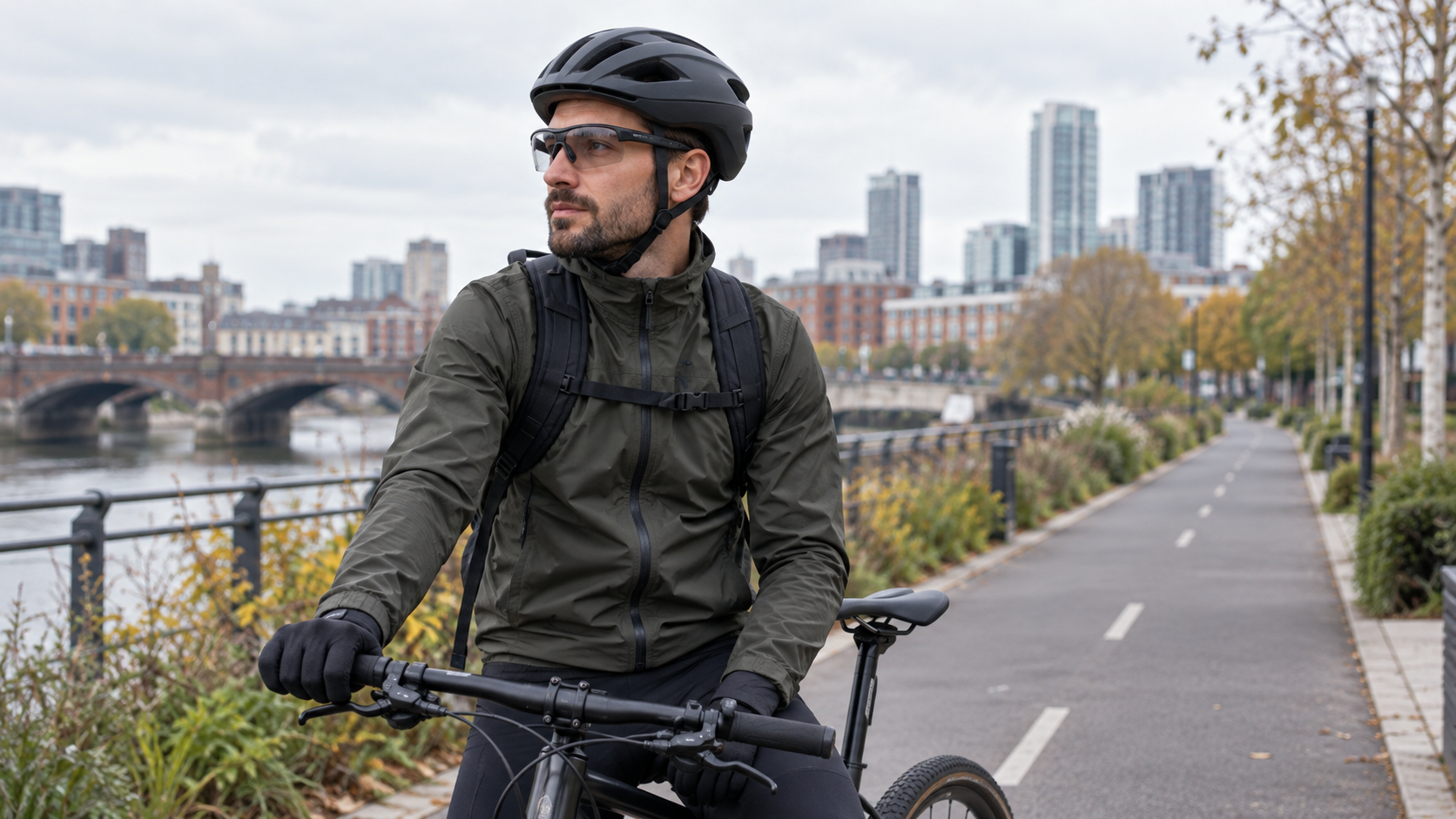
Smart glasses for cycling sound convenient: listen to directions, take a hands-free clip, or keep your phone in a pocket. Whether they are useful on your ride depends on less glamorous details. The frames must sit comfortably with your helmet, the lenses must suit the light, and any audio or camera feature must leave you aware of the road.
This guide is for riders comparing camera or Bluetooth glasses for ordinary UK journeys. It is a practical selection and trial checklist, not a claim that every pair is suitable for cycling. Check the specification and instructions of the exact model before buying.
A short, familiar commute needs different equipment from a long leisure ride. Write down when you ride, the lighting you encounter, whether you already wear prescription lenses, and what you want the glasses to do. If the real goal is eye protection, ordinary cycling eyewear may be enough. If the goal is an occasional first-person clip, a camera is relevant; if it is spoken navigation, audio and phone compatibility matter more.
Choose one main job for the glasses. Trying to make a single pair cover filming, calls, translation, navigation and sun protection can hide the compromises that affect a ride. Our broader camera smart glasses buying checklist explains how to examine claims before ordering.
When assessing smart glasses for cycling, the temples share space with helmet straps and, sometimes, the helmet shell. A frame that feels fine indoors may press behind the ear after twenty minutes. Try the glasses with your usual helmet, fasten the straps correctly and turn your head as you would when checking traffic. The helmet should still sit as its maker intends; do not loosen it simply to make bulky eyewear fit.
Look for pressure at the temples and nose, slipping when you glance over your shoulder, and any contact between electronics and the helmet. Test with the jacket collar or cap you normally use. If you rely on prescription lenses, confirm the exact lens option or optical arrangement rather than assuming a clear lens can be swapped by any optician.

Some smart glasses use open-ear speakers. That describes where the speakers sit; it does not guarantee you will hear every bell, vehicle or voice. Set volume while stopped, then judge it in the kind of traffic you actually encounter. If audio masks your surroundings or prompts draw your attention away from the road, turn it down or switch it off.
Configure pairing, navigation, calls and camera controls before setting off. A simple personal rule helps: if a task would make you look at the phone or troubleshoot a command, stop in a safe place first. The Highway Code's rules for cyclists are the primary UK reference for riding conduct. Smart glasses do not replace observation, signals or judgement at junctions.
Try voice commands at home, where a failed command is only inconvenient. Then decide whether using one on a busy road is worth it. Wind, traffic and a helmet can change how well a microphone hears you; performance on a quiet desk is not a reliable ride test.
Tinted lenses may feel comfortable in bright sun yet be inappropriate when clouds gather or daylight fades. Clear lenses can be more flexible for mixed light, but they still need to fit and provide the protection you need. A product described as photochromic should be checked against the selected variant and its stated conditions; do not infer that every version of a frame changes tint.
Consider your usual route: shaded streets, open roads, dawn departures and a return after sunset. Test for glare, reflections and peripheral visibility while stationary. If you wear prescription lenses, an accurate prescription and secure fit matter more than a camera specification. Do not treat an illustrative product image as evidence of a lens's optical performance.

A camera on the frame can capture a rider's viewpoint, but the result depends on where the camera points when you look around, the available light, wind noise and the length of each clip. Resolution alone does not settle footage quality. Our 4K versus 1080p guide explains why an original sample clip tells you more than a large number in a title.
Before relying on smart glasses for cycling, make a short stationary recording and review it on your phone. Check whether the horizon is level, signs remain readable, audio is intelligible and files transfer in the way the listing describes. Avoid touching tiny controls while manoeuvring. If recording requires repeated interaction, use it only when stopped.
Be considerate about what you capture and share. In a group ride, tell companions if you intend to record. Avoid filming in places where people reasonably expect privacy, and review footage before posting identifiable faces or conversations. The ICO's body-worn video guidance is written for organisations, so it is background on privacy-aware recording rather than a statement that the same rules apply to every personal ride.
“Waterproof” is an imprecise word. Look for the exact protection rating and the maker's permitted conditions. Rain on a commute, a dropped pair in a puddle and washing the glasses are different exposures. If a listing gives no clear rating, do not assume wet-weather suitability. Dry the glasses as instructed before charging.
Battery claims also depend on the activity. Listening, calls, standby and recording may have very different run times. Compare your expected riding time with the specified mode, and leave a margin for detours. If a charging case is included, check whether it can be carried safely and whether the stated run time refers to one charge or several. Our battery comparison guide
Find out where videos and photos go. Some models need a companion app or Wi-Fi transfer after the ride; others may behave differently. Confirm phone compatibility, storage limits and the transfer steps before relying on a clip. Keep the phone charged if it is needed for navigation or moving files.

Practical takeaway: a good cycling choice is a pair that fits under your helmet and asks little of your attention. The camera or AI label is secondary to that basic test.
Our smart glasses collection contains different frame and feature combinations. For a camera-and-audio example, examine the active Camera Smart Glasses with Bluetooth Calls & Open-Ear Audio listing against this checklist. We have not road-tested that model for cycling, so check helmet fit, lens option, weather rating and real recording time yourself before deciding it suits a ride.
If you need help locating a stated feature, contact SMC Traders with the exact product link. We can point you to the listing information; your own helmet and route trial remain the decisive checks.

